IG Migration

ISD Architecture

Finley Bacon

2026-02-14

Information Governance SharePoint Migration

What?

  • Front end + Data store for the Information Governance Assurance function
  • Running for >10 years
  • Source of truth of unique identifiers, approval status, privileged roles for all registered research involving sensitive data at UCL
  • Stored in SharePoint lists
  • Workflows built with Power Automate

Why migrate?

Data availability and user experience had become very poor

Why migrate?

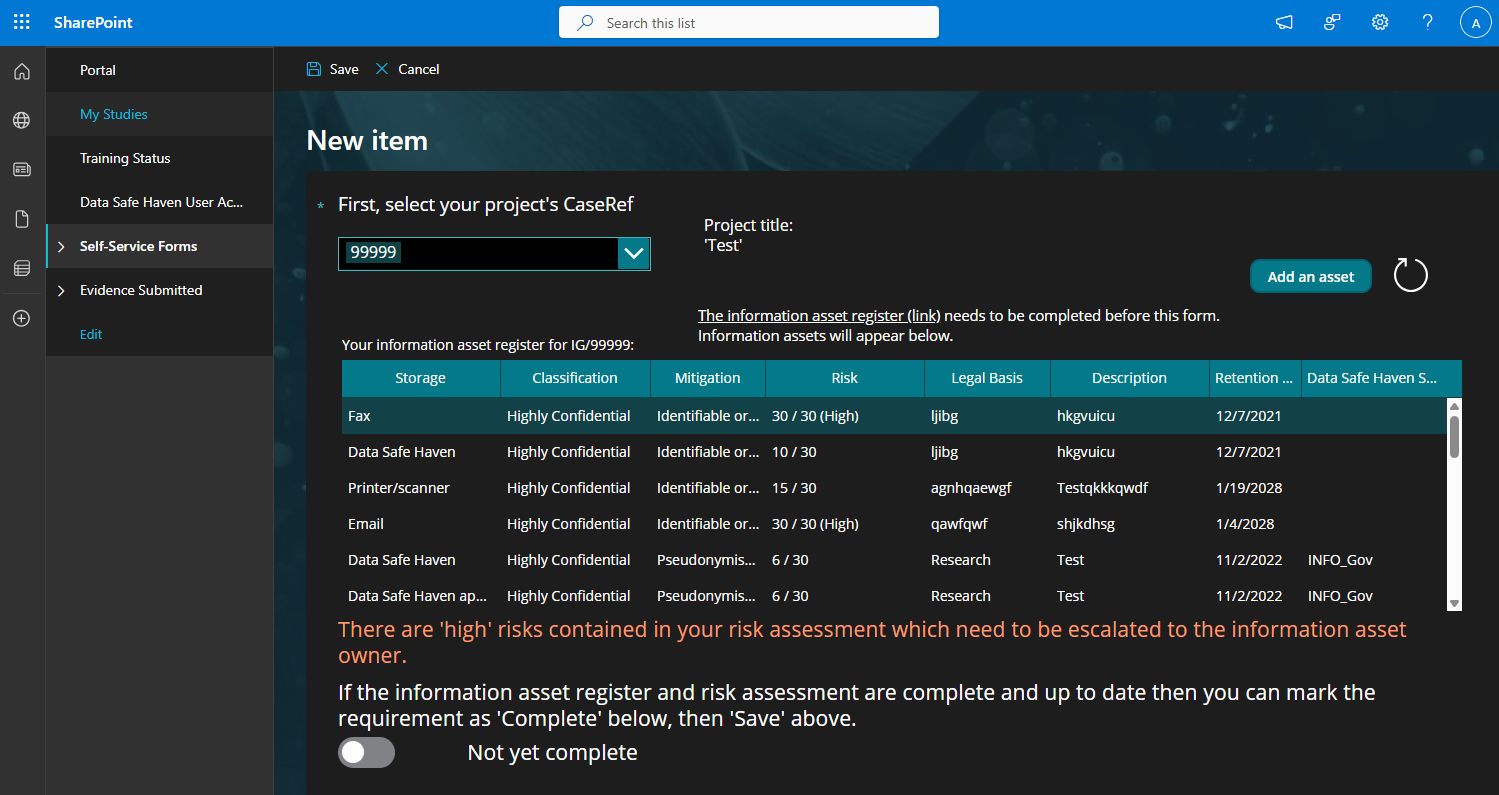
  • SharePoint also generally fragile, and in this case:
    • No relational data across SharePoint lists
    • No validation or uniqueness enforced
    • Little automation so many tasks manual repetitive
    • Original site creators no longer at UCL
  • New home for the data and front end
    • ARC Services Portal
    • Postgres DB with extensible APIs on top

Key Components

Researchers and Studies

Researchers and Studies

Researchers have Agreements and Training Status

Studies have Owners, Assets and Contracts

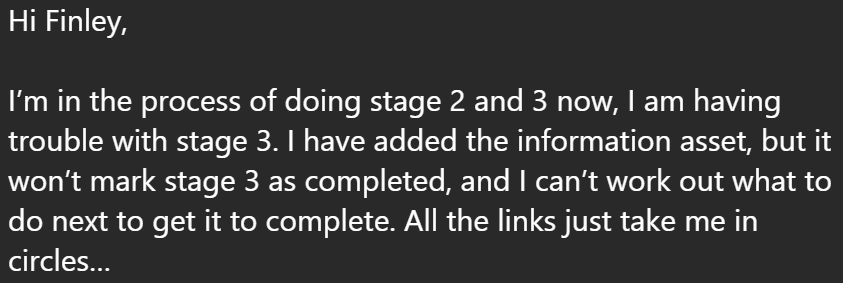
UI looks like this…
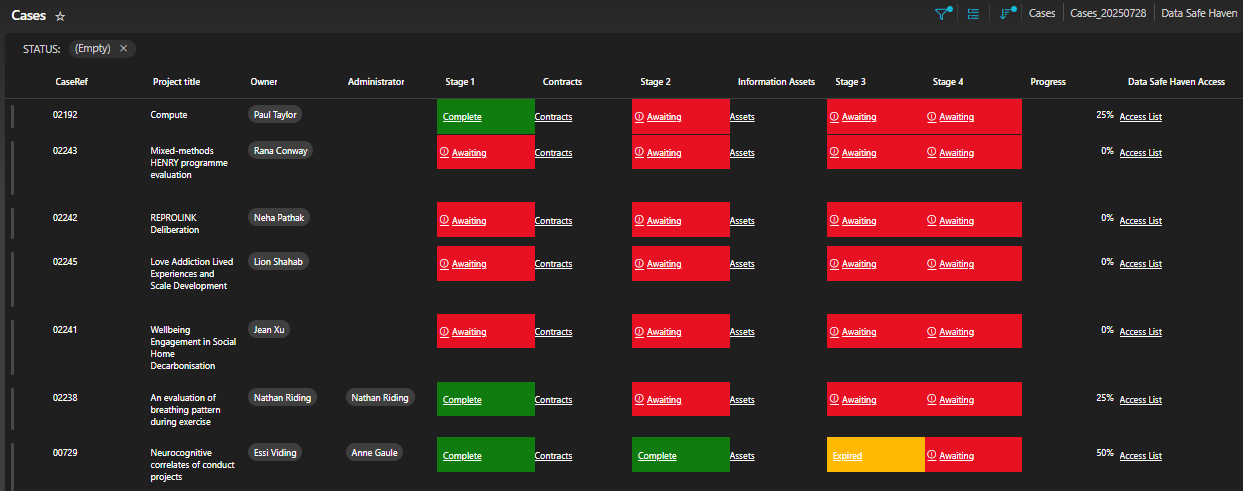
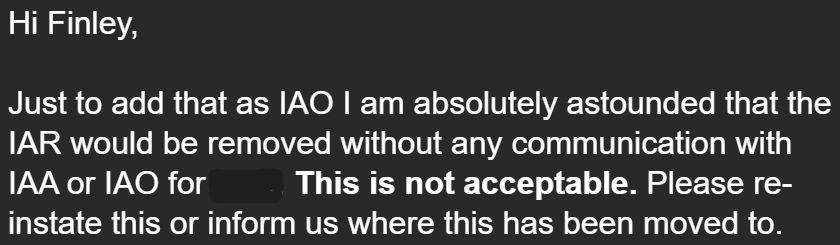
and this…
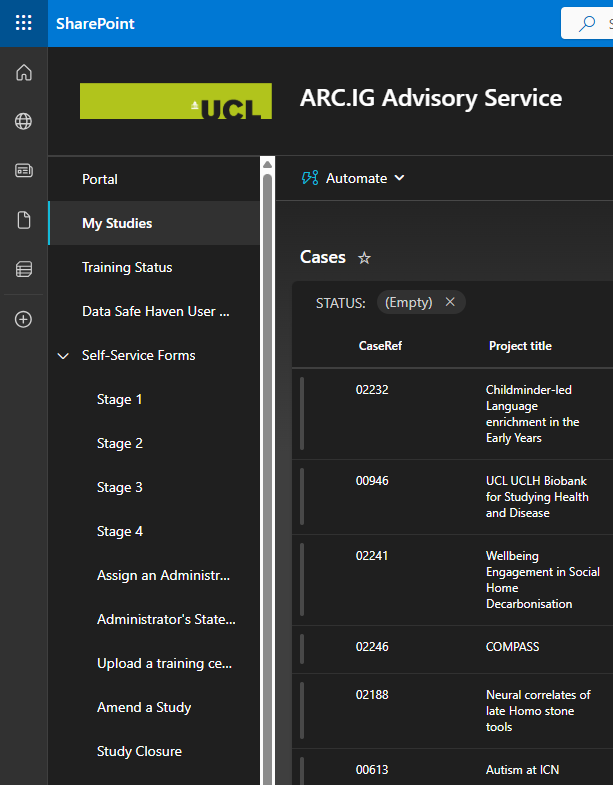
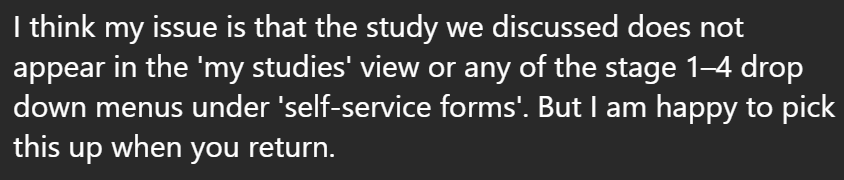
and…

and… this…

ETL & Data Import Overview

Two Python ETL Scripts

  • Load data from legacy SharePoint CSVs
  • Transform into normalized format
  • Validate and output for import

researcher.py to merge researcher training & agreements

studies.py to build study/asset/contract hierarchy

Migration plan

Script 1: Researcher Data

Load all training and agreement records

def load_training() -> dict[str, datetime | None]:
    training = {}

    with open(TRAINING_FILE, newline="") as f:
        reader = csv.DictReader(f)
        clean_headers(reader)
        ...

def load_agreements() -> dict[str, bool]:
    agreements = {}
    with open(AGREEMENT_FILE, newline="") as f:
        reader = csv.DictReader(f)
        clean_headers(reader)
        ...

def normalise_username(value: str) -> str:
    value = value.strip().lower()
    if "@" in value:
        value = value.replace("@", "_")
        return f"{value}#EXT#@liveuclac.onmicrosoft.com"
    return f"{value}@ucl.ac.uk"        

Loading & Merging Records

Load training and agreements

def merge_records() -> list[Record]:
    training = load_training()
    agreements = load_agreements()

    # All users who appear in either CSV, sorted alphabetically
    all_users = sorted(set(training) | set(agreements))
    
    merged_records: list[Record] = []
    for user in all_users:
        has_agreed = agreements.get(user, False)
        training_date = training.get(user, None)
        merged_records.append(Record(...))

Loading & Merging Records

Load training and agreements, then combine on username:

def merge_records() -> list[Record]:
    training = load_training()
    agreements = load_agreements()

    # All users who appear in either CSV, sorted alphabetically
    all_users = sorted(set(training) | set(agreements))
    
    merged_records: list[Record] = []
    for user in all_users:
        has_agreed = agreements.get(user, False)
        training_date = training.get(user, None)
        merged_records.append(Record(...))

Union both datasets so all unique users are captured

Script 2: Studies & Assets

Build complete study hierarchy with nested assets and contracts

def build_import_json(
    studies: Dict[str, dict],
    assets_by_case: Dict[str, List[dict]],
    study_contracts_by_case: Dict[str, List[dict]],
) -> List[dict]:
    output: List[dict] = []
    
    for case_ref, study in studies.items():
        study["contracts"] = study_contracts_by_case.get(case_ref, [])
        assets = assets_by_case.get(case_ref, [])
        study["assets"] = assets
        output.append(study)

Reading & Parsing CSVs

def read_studies(filename: str) -> Dict[str, dict]:
    studies: Dict[str, dict] = {}
    with open(filename, newline="", encoding="utf-8") as f:
        reader = csv.DictReader(f)
        clean_headers(reader)  # Strip BOM & normalize headers
        for i, row in enumerate(reader, start=2):
            case_ref = (row.get("CaseRef") or "").strip()
            if not case_ref:
                raise ValueError(f"Study row missing CaseRef (line {i})")

Strict validation catches missing or malformed data early

Date Transformations

Parse SharePoint dates (DD/MM/YYYY) to ISO format (YYYY-MM-DD):

def parse_date(date_str: str) -> Optional[str]:
    ds = (date_str or "").strip()
    if not ds:
        return None
    try:
        dt = datetime.strptime(ds, "%d/%m/%Y")
        return dt.strftime("%Y-%m-%d")
    except ValueError:
        return None

Ensures consistent date handling across all entities

Validation & Output

def validate(import_data: List[dict]) -> List[str]:
    errors: List[str] = []
    seen_case: set[str] = set()
    
    for s in import_data:
        cr = s.get("caseref", "")
        if cr in seen_case:
            errors.append(f"Duplicate CaseRef: {cr}")
  • Detects duplicates across all entity types
  • Validates date formats
  • Prevents bad data entering the new system

Output & Handoff

Both scripts output normalised data:

researchers.py

  • CSV: username, agreement, training_date
  • Uses schema expected by importer

studies.py

  • JSON: Array of studies with nested assets/contracts
  • UUIDs generated on import

Ready for consumption by the import services in the portal codebase

Final message

The End